
Steps on how to locate your UC Path Pay Stub:
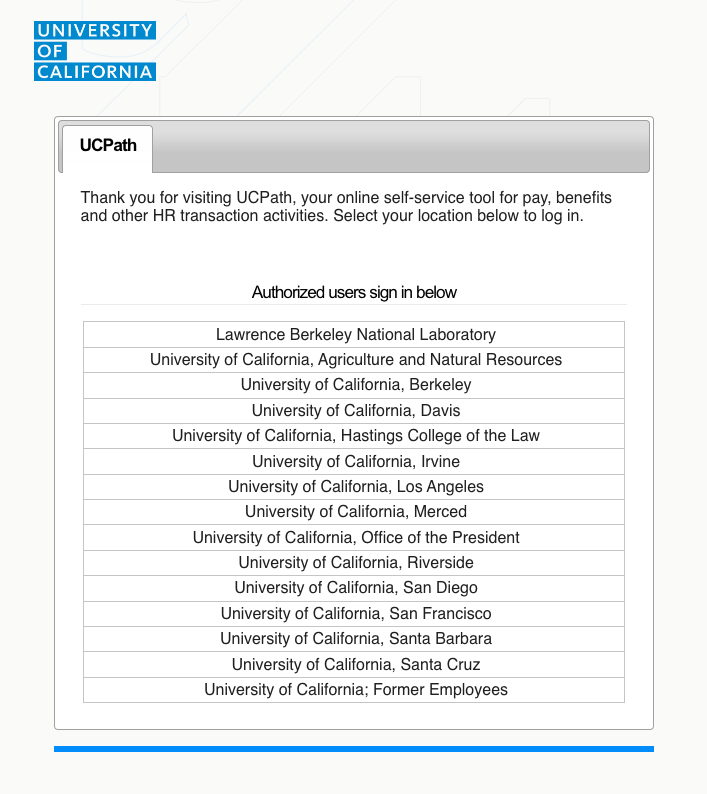
- Go to UC Path Portal.
- Click on University of California and log in.
- Click on the button labeled View Paycheck.

- Click on the pay stub that you would like to download and then click Download Attachment.

- Submit Paystub.
UC Path Pay Stub Example

Last Updated: May. 3, 2023


